
Using the code-server image in your project to run VSCode | Dadosfera Documentation
How to create a Data App in the Intelligence Module and edit the project with VSCode
Below, you'll learn how to use the codercom/code-server:latest image, provided by our team, to run VS Code in the Intelligence Module without needing any additional configuration.
Prerequisites
- Have a Dadosfera user account;
- Access to the Intelligence Module;
- Have a project created in the Intelligence Module.
Creating a SERVICE for the project in: Data Apps -> Edit Data Apps
- Click on "DATA APPS".
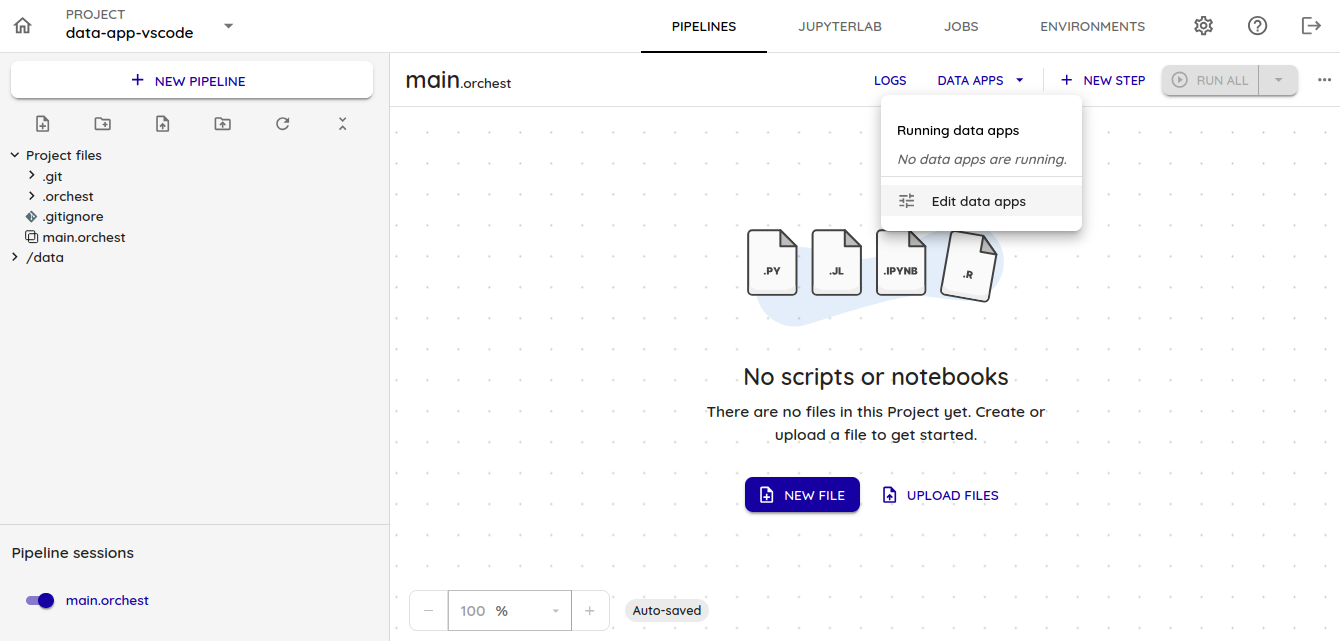
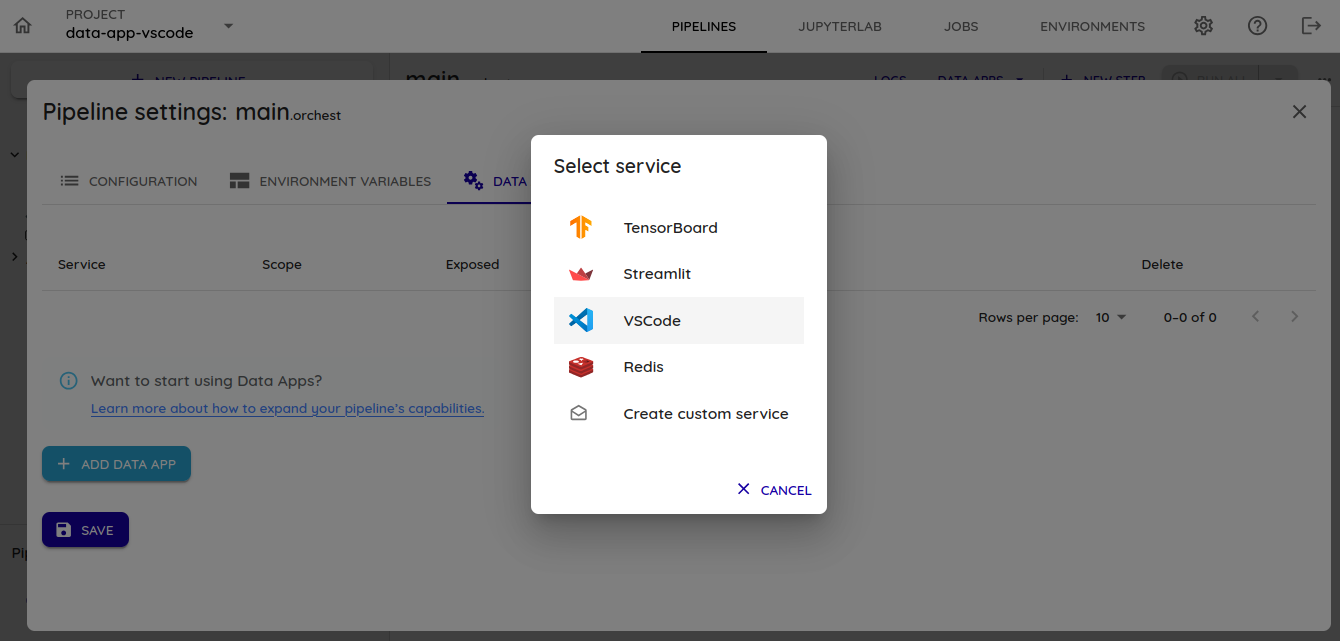
- Add a new VSCode service in 'Add Service' and select VSCode;
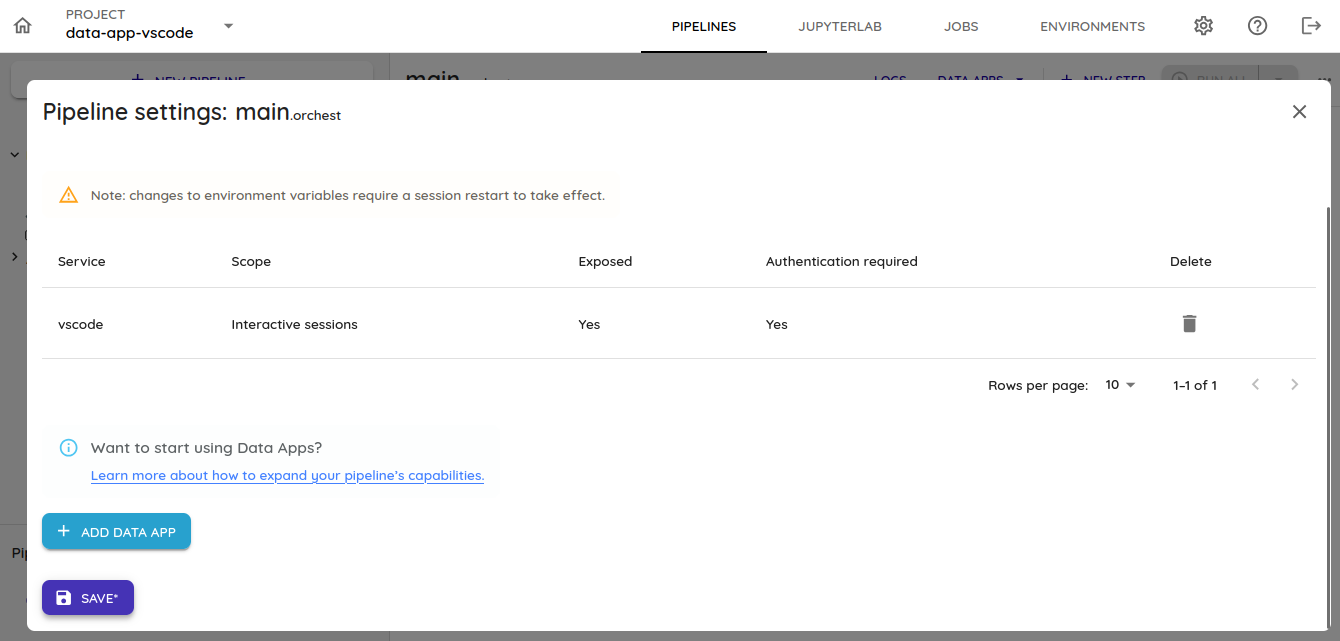
- Save and restart the pipeline (keeping the default configuration commands)

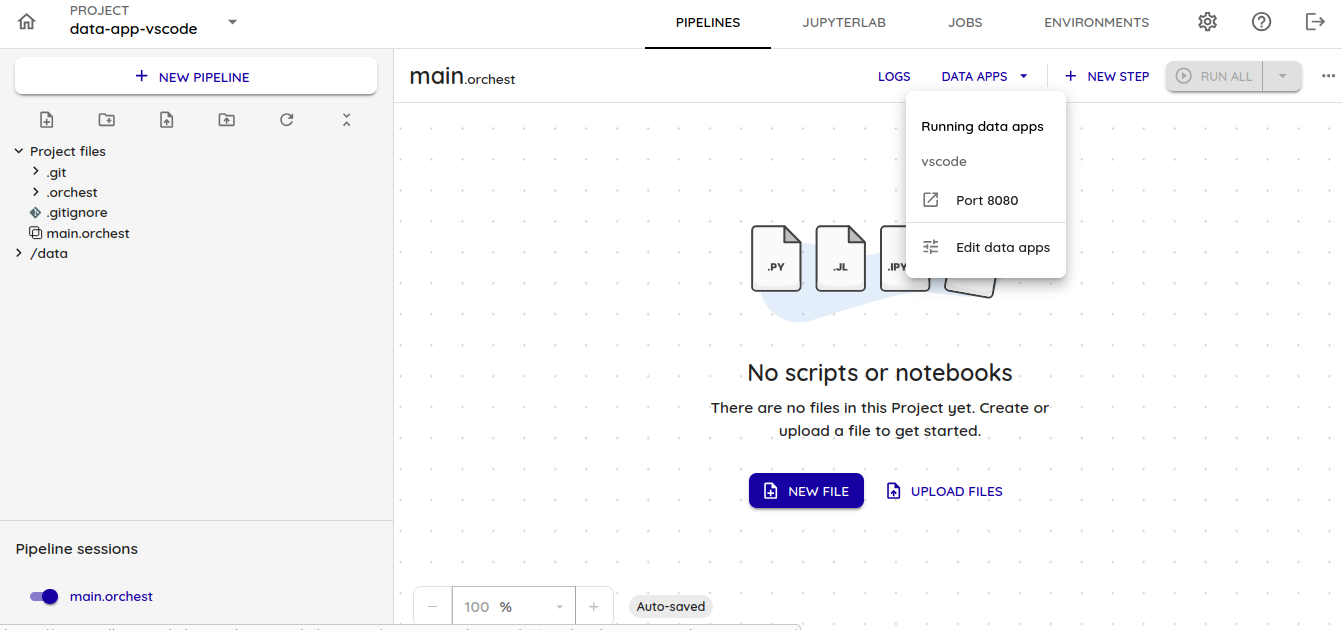
- When the Pipeline sessions is reset, the vscode option will be available in DATA APPS:
Updated 2 months ago
Did this page help you?